
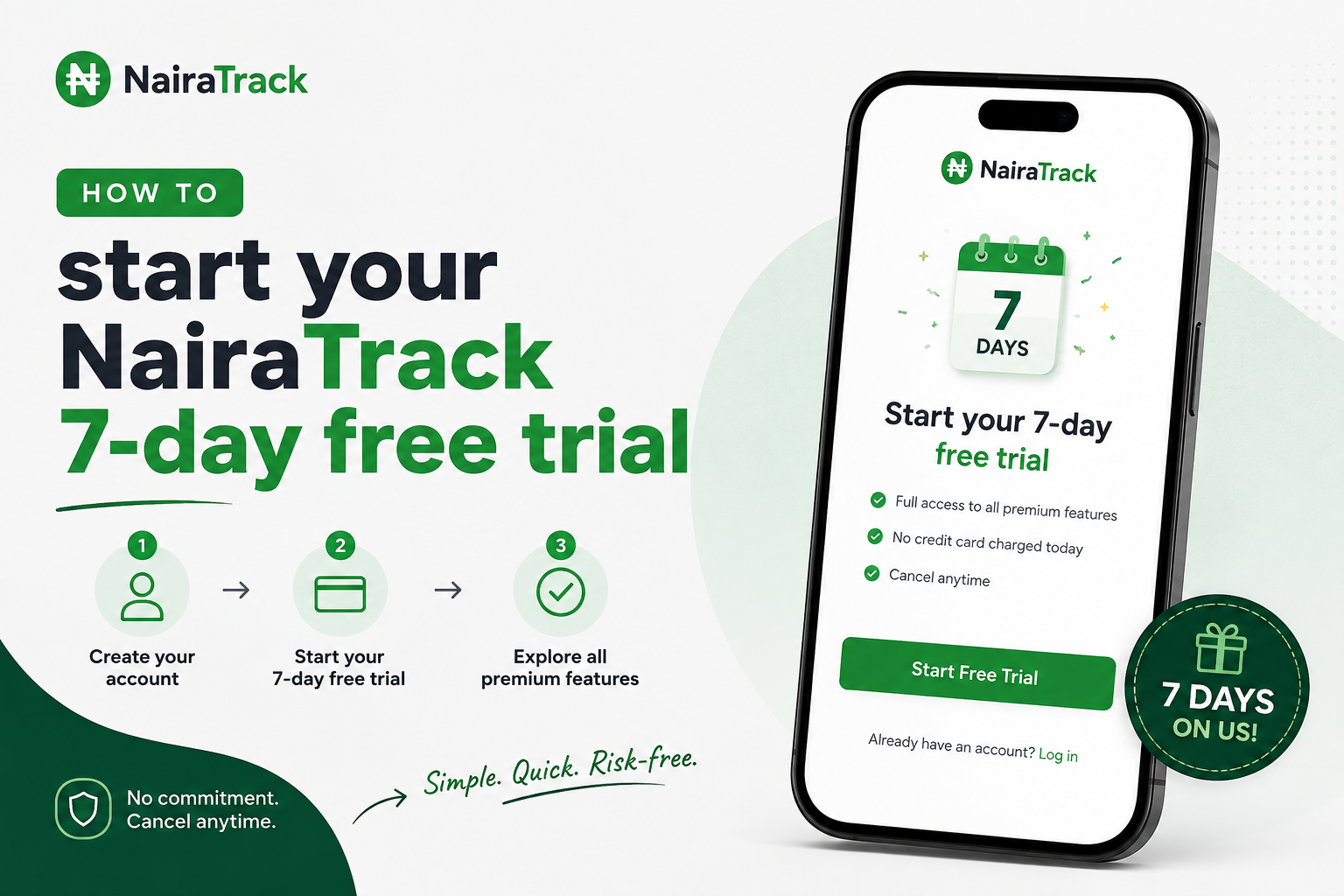
How to start your NairaTrack 7-day free trial
It takes about two minutes. No card is needed to start, and you can issue real receipts to your customers from day one.
- Your full name and your business name
- An email address you can open right now
- Your phone number
Open NairaTrack and tap “Get Started”
Go to nairatrack.com. At the top right of the page, click the purple Get Started button. On a phone, tap the menu icon first and you’ll see the same button.
The Get Started button takes you straight to the sign-up page.
Enter your name and business name
On the Create your account page, type your Full Name and your Business Name. Your business name is what customers will see on the receipts you send them, so spell it the way you want it to appear.
Sign Up
Enter your details to create your NairaTrack account
Tip: the Full Name field only accepts letters. If you see an error, remove any numbers, dots or symbols.
Add your email address and phone number
Use an email you check often. NairaTrack will send a verification link to this address, so make sure it’s typed correctly. Then enter the phone number you use for your business.
Sign Up
Enter your details to create your NairaTrack account
Example details only. Enter your own.
Create a password
Choose a password with at least 8 characters. Mixing letters, numbers and a symbol makes it harder to guess. Write it down somewhere safe.
Accept the terms and click “Sign up”
Tick the box to agree to the Terms of Service and Privacy Policy, then click the purple Sign up button.
Already have an account? Sign in
Check your email and verify your address
NairaTrack sends a verification email to the address you entered. Open your inbox, find the email from NairaTrack, and click the verify link inside it. Your account is only activated after you do this.
Verify your email addressJust now
Hi Adaeze, thanks for signing up. Please confirm your email address to activate your NairaTrack account.
Illustration of the verification email.
Can’t find it? Wait a minute or two, then check your Spam, Junk or Promotions folder. If it’s there, mark it “Not spam” so future NairaTrack emails reach your inbox.
Log in and your 7-day free trial starts
After verifying, you’ll be taken to NairaTrack (or you can log in here with your email and password). Your 7-day trial begins right away. Use the week to add a customer and send your first digital receipt by WhatsApp, Telegram, email or SMS.
Illustration of the dashboard after sign-up.
Common questions
- Do I need a card to start the trial?
- No. You only choose a paid plan if you want to keep using NairaTrack after 7 days.
- It says my full name is invalid.
- Use letters only. Remove numbers, email addresses, links and symbols like “.” or “@”.
- I didn’t get the verification email.
- Check your Spam, Junk and Promotions folders first. Also make sure you typed your email correctly in Step 3. If it still hasn’t arrived after a few minutes, contact support.
- I already have an account.
- Go to the login page and sign in with your email and password.
- I need help signing up.
- Use the chat assistant on nairatrack.com (it speaks English and Pidgin) or visit the support page.
Ready to stop writing paper receipts?